
"Photography is not about the thing photographed. It is about how that thing looks photographed."
A Practical Guide To Scanning And Digitising Film Negatives
Film negatives contain more information than a casual contact sheet suggests. With a careful scan, a frame made on 35mm, medium-format, or black-and-white film can become a detailed digital file for printing, exhibition, publication, or online presentation. The quality of that result depends on the whole process, from storage and cleaning to colour correction and file naming.
For photographers in Australia, digitising film can also make an archive easier to manage across long distances. A negative stored in Melbourne may need to be reviewed by a client in Brisbane, printed by a lab in Sydney, or included in a portfolio viewed from Perth. A consistent workflow protects the original film while producing files that are practical for contemporary photography.
Why digitise film negatives
A negative is an original photographic object, while a scan is a flexible working copy. The digital version can be backed up, edited, shared with a picture editor, or prepared for an inkjet print without repeatedly handling the film. This is especially valuable for older family collections, commercial assignments, fashion editorials, and documentary projects that may be revisited years after they were made.
Scanning also reveals qualities that are easy to miss when looking at a strip of film. Subtle skin tones, texture in a shadow, a gradual sky, or the grain structure of a medium-format frame can become visible at a useful scale. A well-made scan preserves the character of analogue photography rather than flattening it into an excessively sharpened digital image.
The purpose of the scan should guide its resolution and file format. A small JPEG for social media does not require the same treatment as a file intended for a 60-centimetre print. Decide whether the archive is for viewing, reproduction, client proofing, or long-term preservation before choosing settings. This prevents wasted storage and avoids scanning important negatives at an insufficient resolution.
Photographers documenting live music, touring productions, or changing cultural scenes may find digitisation especially useful because film can become a durable record of places and working conditions. A thoughtful visual archive can sit alongside accounts such as changing tour life, giving individual frames a wider social and historical context.
A workable home scanning kit
A dedicated film scanner is generally the simplest option for regular 35mm work. Flatbed scanners with transparency adapters can handle strips, mounted slides, and medium-format film, although their holders and optical resolution vary considerably. A digital camera scanning setup can produce excellent results when the camera, macro lens, film holder, light source, and alignment are all carefully controlled.
Cleanliness matters more than many beginners expect. Dust on the negative becomes a dark mark in the digital file, and a single hair can cross an entire frame. Use a blower designed for optical equipment, lint-free gloves, a soft anti-static brush, and a clean work surface. Canned air can propel propellant or moisture onto the film, so it is best avoided.
A basic home setup can include:
- A dedicated film scanner or a camera-scanning stand
- An anti-static brush, blower, gloves, and lint-free cloth
- Archival sleeves made from polypropylene or polyester
- A calibrated monitor and at least two backup drives
Keep the scanning area away from cooking vapour, open windows, and direct sunlight. In coastal parts of Sydney, Brisbane, or Perth, humidity and airborne salt can affect storage over time. A cool, stable cupboard is preferable to a garage, shed, or hot room. In very damp conditions, a dehumidifier and a small hygrometer can help monitor the environment.
The scanner should be placed on a stable surface, and the film holder must sit flat. With camera scanning, check that the lens axis is parallel to the negative plane. Even a small angle can make one side of a frame sharper than the other. Turn off automatic exposure and focus once the setup is aligned, then keep the light source and camera position fixed for the whole batch.
Preparing negatives before the scan
Begin by identifying the film stock, format, frame numbers, and approximate date. If the strip is uncut, place it in a clean archival sleeve before making decisions about cutting. Write identifying information on the sleeve with an archival pen, not directly on the emulsion or the image area. For a client archive, record the assignment, location, photographer, and usage restrictions in a separate spreadsheet or catalogue.
Hold film by its edges. Fingerprints contain oils that attract dust and can leave marks that are difficult to remove. If the negative has been stored for years, allow it to acclimatise gradually before opening its container, particularly if it has travelled between an air-conditioned interior and a hot Australian summer environment. Sudden changes in temperature can encourage condensation.
Blow loose dust from both sides, then use a suitable anti-static brush if needed. Do not use water, household glass cleaner, or aggressive solvents. Damaged, mouldy, or vinegar-smelling acetate film needs special care; deterioration can spread and make the strip brittle. In such cases, consult a film conservation specialist or a reputable Australian professional lab before attempting extensive cleaning.
Load the negative according to the holder’s instructions. Emulsion orientation depends on the equipment, so check the scanner manual rather than relying on a general rule. Make a low-resolution preview first. Look for clipped highlights, blocked shadows, colour casts, cropping errors, Newton rings, and dust that needs to be removed physically instead of retouched later.
Choosing resolution, colour depth, and file types
Optical resolution is more important than an inflated number printed on a scanner box. For a typical 35mm frame, a true optical scan around 3200 to 4000 pixels per inch can provide a substantial master file. Medium-format film benefits from higher pixel dimensions because its larger image area can support detailed prints. The best setting depends on the scanner’s real resolving power, grain, and the intended output.
For preservation, save a minimally adjusted master as TIFF. A 16-bit-per-channel file gives greater flexibility when correcting a dense negative, recovering subtle tones, or balancing an uneven colour cast. JPEG is convenient for previews and websites, but repeated saving can introduce compression artefacts. Keep the master untouched and make smaller derivatives from it.
Black-and-white negatives need a slightly different approach from colour film. Scan them as grayscale when the emulsion contains genuine silver-based monochrome information, but consider RGB capture if the film or scanner produces a useful tonal response in colour mode. Infrared dust removal often works well with colour negative film, while traditional silver black-and-white film may not respond correctly and can produce unwanted artefacts.
A reliable file set might contain:
- A high-bit-depth archival master
- A corrected TIFF for printing or retouching
- A full-size JPEG for delivery or review
- A resized, sharpened JPEG for web use
Naming files consistently prevents an archive from becoming a collection of anonymous images. A useful structure might include the year, project, roll number, and frame, such as 2024_SydneyPortraits_R03_F12. Store technical information in metadata where possible, including film stock, scanner, resolution, date scanned, and any significant correction. Record whether the image is a negative, a positive transparency, or a converted black-and-white file.
Colour correction and tonal control
Colour-negative scanning is often the most demanding stage because the orange mask, film stock, exposure, and processing conditions all affect the result. Scanning software can invert the negative automatically, but automatic conversion should be treated as a starting point. Compare several frames from the same roll and adjust them as a group when the lighting was consistent.
Set the black and white points carefully. Avoid clipping bright highlights simply because the preview looks more dramatic, and do not deepen shadows until film grain becomes an artificial block of texture. Skin tones are a useful reference for portrait work, while neutral walls, grey clothing, and known white objects can help identify a colour cast. A calibrated monitor is important; otherwise, a correction made on a blue or overly bright screen may look wrong elsewhere.
Black-and-white film benefits from restrained contrast. Use curves rather than extreme contrast presets, and preserve the transitional greys that give film its depth. Grain reduction should be subtle. Excessive noise removal can erase hair, fabric, skin texture, and the very qualities that distinguish an analogue negative from a clean digital capture.
Dust spotting is usually best completed after the master has been saved. Work at 100 per cent magnification, use a separate retouching layer where possible, and avoid removing marks that are part of the subject. A scratch across a face may require careful cloning, while a small speck in an empty sky can be handled quickly. Keep a clean archival version so later edits remain possible.
Australian rights, storage, and professional use
Digitising a negative does not change ownership of the underlying copyright. In Australia, the Copyright Act 1968 generally gives the creator rights over reproduction and communication of a photograph, subject to the circumstances of the work and any agreement made with a client or employer. If you are scanning negatives made by another photographer, obtain permission before publishing, selling, or licensing the resulting files.
Portraits and documentary photographs may also involve privacy, model releases, commercial agreements, and moral rights. The Privacy Act 1988 can be relevant when personal information is handled by organisations, especially in commercial or client databases. A private family archive and a business using identifiable portraits for advertising may have different obligations, so retain releases and usage terms with the project records.
Australian Consumer Law applies to services offered to clients, including scanning, restoration, and photographic reproduction. State clearly what is included: resolution, colour correction, dust removal, delivery format, turnaround time, and how originals are protected. A professional quote should also explain responsibility for rare or fragile material, insurance, and whether GST is included when applicable.
Storage deserves the same attention as scanning. Keep one working copy, one local backup, and one copy in another location or a reputable cloud service. An archive stored only on a laptop is vulnerable to theft, drive failure, and household accidents. For photographers in regional Queensland or New South Wales, bushfire planning is a practical reason to keep an off-site copy of irreplaceable scans and catalogue information.
Turning scans into a usable archive
Once the negatives are digitised, separate preservation from everyday use. The master file should remain untouched, while print, web, and client versions can be created from it. Use a consistent colour profile, usually sRGB for general web delivery and a printer-specific profile when preparing a fine-art print. Ask the laboratory for its preferred file specifications before sending a large order.
Review the archive at intervals. Check that files open, backups are current, and the folder structure still makes sense. For a substantial collection, digital asset management software can add keywords such as location, subject, project, film stock, and rights status. A simple spreadsheet is still effective when it is maintained carefully and linked to the physical sleeve numbers.
When selecting images for a website, retain enough resolution for a strong presentation without uploading the full archival master. A portfolio should show a coherent visual direction rather than every frame from every roll. A photographer working across business portraits, fashion, events, and conceptual series can organise galleries by practice while preserving the chronological archive separately. Examples of finished work can be reviewed in the photography portfolio.
For Australian clients, delivery can be adapted to local working habits. A commercial client in Melbourne may need a small proofing gallery during business hours, while an editorial team in Sydney may request captioned, colour-managed files through a shared system. Australian galleries, printers, and labs can also have different naming, sizing, and colour requirements, so confirm the specification before final export.
The strongest digitisation workflow respects both sides of the medium. It protects the physical negative as an original artefact and gives the image a practical digital life. With controlled equipment, clean handling, measured tonal adjustments, accurate records, and secure backups, film can remain a dependable foundation for contemporary photographic work.
Selected Series
A cross-section of commissioned and personal projects spanning fine art, commercial, and conceptual work.
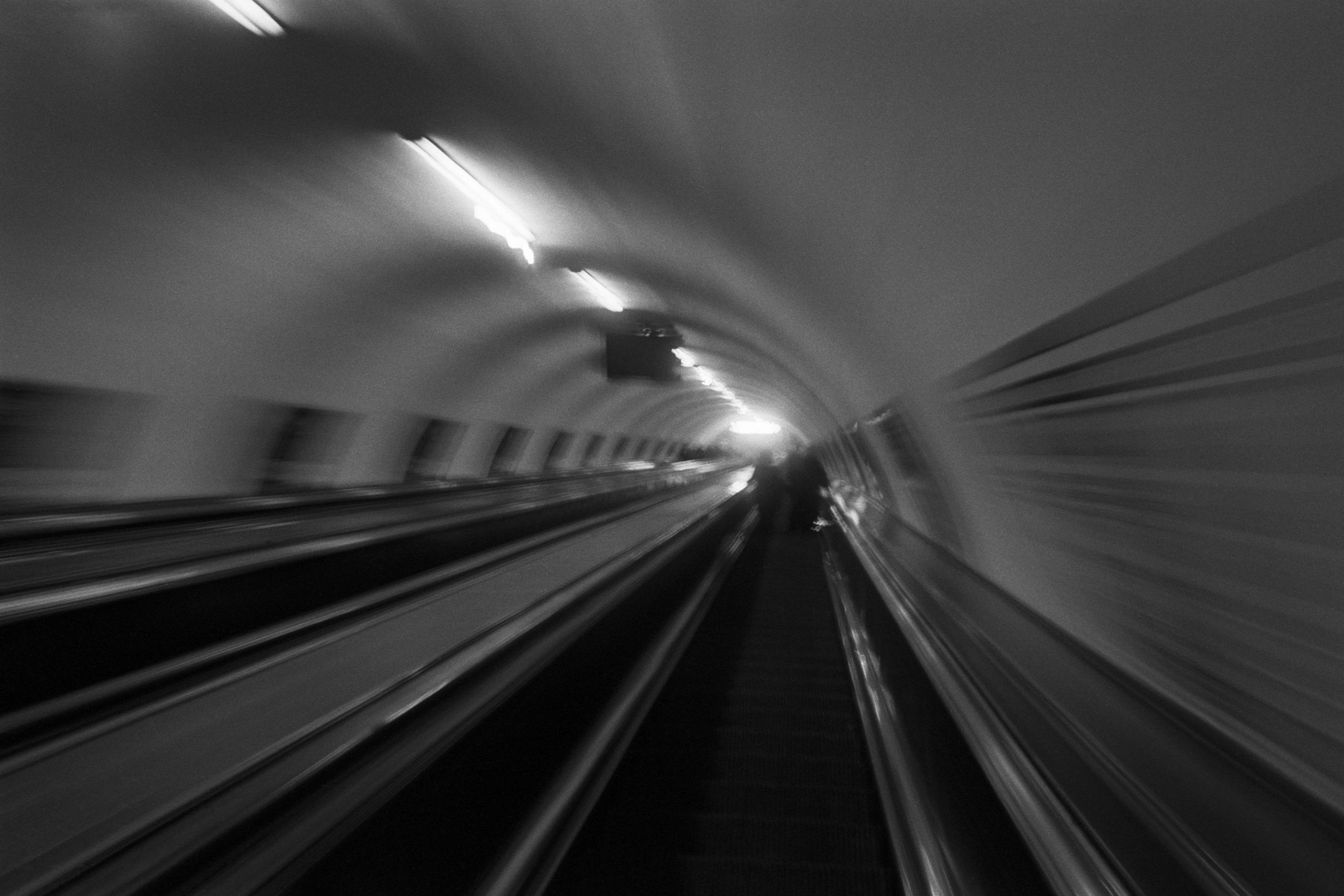
The Wall
2015Winner of the 1st prize & Golden Glass Award at the 11th Photographic Open Championship Olsztyn, and 1st place with the Special Prize of FORMAT magazine at the 3rd Biennial of Art in Piotrków Trybunalski.
View Series →
An Engagement Ring
2011A narrative series set in Wrocław in August 2011. Awarded 2nd prize & Silver Glass at the 10th Photographic Open Championship Olsztyn in 2014.
View Series →
Heat Wave
2014A documentary series recording spontaneous events across August and September 2014, capturing the raw energy of a city under the grip of summer.
View Series →