"Photography is not about the thing photographed. It is about how that thing looks photographed."
A practical guide to tethered shooting in the studio
Tethered shooting turns the camera into a live extension of the photographer’s workstation. Images appear as they are captured, allowing exposure, focus, composition and file quality to be checked without stopping to move cards or return to a laptop. For business portraits, fashion tests and carefully built conceptual sequences, that immediate feedback can make a controlled studio session feel more deliberate and less improvised. It also creates a practical bridge between analogue craft and a digital production workflow.
The useful results come from preparation rather than simply owning faster equipment. A dependable chain includes the camera body, lens, connection, capture software, storage, lighting controls and backup routine. Weather, power quality and client expectations can all affect that chain. The following process reflects how a photographer such as Rafal Michalak Photography can combine live review with the precision of traditional darkroom practice while serving professional clients in Australia.
Build a dependable connected workflow
Treat the camera, computer and storage as one system. Before a commercial session, confirm that the camera supports tethered capture, that its connection matches the computer port and that the chosen application can maintain a stable link. Capture One and Adobe Lightroom offer established tethered workflows, while some camera manufacturers provide their own desktop control software. Native applications may suit a simple test shoot, but a studio producing multiple looks each day benefits from clearer camera control and more consistent file handling.
Configure the camera before the first model or product enters the room. Record RAW files for maximum retouching latitude and, when useful, add JPEG copies for rapid review or client approval. Create a clear folder structure for each project, test filename templates and decide whether images should be sorted by look, garment, setup or model number. Australian studios often work across a mixture of local and international clients, so using the ISO date format of year, month and day avoids confusion with the common day-month-year notation.
Rehearse with the equipment that will actually be used. Connect the final camera body, card, cable, laptop, monitor and light triggers, then make a short series of exposures under the intended lighting. Open several files, check sharpness at full magnification and confirm that the backup copy appears in the second location. A rehearsal in a quiet room can conceal poor ports, slow cards and unreliable triggers; ten minutes on the actual set exposes them while there is still time to solve them.
Configure the software before the session
Software configuration should happen before the camera is unpacked. Import the intended profile, set the working folder and verify that the application recognises the connected camera. Automatic imports can be useful for fashion and portrait work, but naming templates need to remain readable after several looks have been photographed. Include the client, project, date and sequence or look identifier without adding so much information that the preview becomes difficult to decipher.
Calibrate the display used for live review. A laptop panel can reveal a brighter or sharper image than the calibrated monitor beside it, particularly when studio lights are dimmed for mood. A basic hardware calibrator and a controlled viewing environment improve consistency, although the display cannot replace careful assessment of the lighting itself. Use a grey card, colour target or familiar reference object when establishing exposure and colour. For black-and-white work, check the raw tonal range before applying a conversion preset.
Automation should support the session, not interrupt it. Automatic image import, display refresh and backup tasks can run in the background, but the photographer should know how to pause or restart them. If the commercial grade requires Capture One, test that the tethered workflow, styles and export presets behave correctly on the production computer. A connected camera does not guarantee seamless operation, so build a process that can continue from the camera’s own card if software or connection problems occur.
Control light, focus and files in real time
Live viewing helps with composition, yet it should not be treated as an automatic substitute for focus. At high magnification, a slightly soft portrait may appear acceptable on a small screen and disappointing in a print. Use magnified review, a focus chart and manual checks at the lens’s working distance. Digital zoom can assist with inspection, but focus achieved by physically moving the camera or lens remains more reliable.
Lighting and camera triggering remain central to a studio system. A tethered camera can still trigger strobes through its flash port, a radio receiver or a compatible trigger system. Check shutter speed, sync behaviour and ambient light before the subject is ready, especially when a portrait combines continuous lighting with a brief flash. Keep the model or garment moving during technical tests, then pause for deliberate checks. Repeated live review is most valuable when it identifies a small correction rather than encouraging constant adjustment.
The workflow should suit the assignment. During a business portrait session, rapid selection can preserve the energy of the sitter and leave time for expression. For fashion, live review supports garment checks, styling changes and continuity across looks. In conceptual work, the display becomes a sequencing tool, helping the photographer judge rhythm and visual consistency across a series. Tethered capture supports analogue habits of careful observation, but the client-facing pace still needs control.
Manage cables, power and Australian conditions
Cable management is more than tidiness. Secure the camera-to-computer lead with a gentle strain relief so that a foot cannot pull the connector sideways. Route power and data cables away from walking routes, light stands and trolley wheels. Keep a known-good spare cable with the production kit rather than relying on a generic substitute, as some USB standards and proprietary camera connections are more sensitive than their labels suggest. A small powered hub can assist when the computer supplies insufficient current.
Australian mains electricity operates at 230 volts and commonly uses Type I plugs, so chargers and power supplies must be suitable for local voltage and frequency. Multi-plug adapters can be convenient in Melbourne, Sydney and Brisbane studios, but they should never be treated as permanent extensions or used where they create strain. Ask the venue which circuits serve the lighting area and whether other equipment shares them. Computer and drive manufacturers often specify their own power requirements; follow those instructions rather than assuming every external drive can share one adapter.
Climate and venue design can also affect the electronics. Brisbane humidity, Sydney summer heat and rapid weather changes may produce condensation when cold equipment moves into an air-conditioned room. Allow the camera and laptop to acclimatise before opening cases or connecting storage. Converted warehouses, central studio buildings and suburban photography rooms each have different loading access, parking restrictions and air circulation. Confirm load-in times, lift dimensions and stair access before equipment arrives. A local courier can move backup media quickly, but the primary and secondary drive should already be present and tested.
Plan for failure without making the session cumbersome. Carry a second connection method, duplicate the essential configuration and keep one small tested drive separate from the main workstation. Secure screens when working in public client areas, and avoid unattended access to model images. If the live link drops, the camera can often continue writing to its card. The important rule is to keep production files moving through at least two verified locations throughout the session.
Protect data, rights and client expectations
A professional session requires more than technical clarity. The agreement should define the number of edited images, retouching expectations, delivery date, file format, licence territory, permitted uses and any exclusivity. Copyright in a photograph generally arises when it is created, but the contract determines what the client may do with it. Australian fashion, corporate and editorial commissions often involve different usage rights, so these should be negotiated before capture rather than inferred from the brief.
Portrait consent and image handling should be recorded carefully. Use a written model release that matches the intended commercial use, and keep contact details and identification secure. The Australian Privacy Act 1988 and Australian Privacy Principles apply to many organisations and government bodies, while privacy obligations can also arise under state and territory laws. Store only the personal information needed for the project, restrict access to the editing team and establish when files should be deleted. Secure transfer methods are preferable for final commercial images.
A dependable studio checklist keeps the practical safeguards in one place:
- Carry the tested camera connection, a labelled spare and the correct local power adapters for every location.
- Maintain a working copy on the production computer and a verified copy on a separate drive before accepting the next setup.
- Run a short technical rehearsal with the final camera, lighting, storage and naming structure.
- Record model consent, licence terms, delivery details and the agreed image-retouching scope in writing.
- Check that each client folder contains the expected count, correct edits and properly named final files.
Consistency comes from repeating these checks until they become routine. A stable connection, disciplined file management and clear communication protect the image-making process, while giving the photographer freedom to concentrate on the person, garment or idea in front of the camera.
Selected Series
A cross-section of commissioned and personal projects spanning fine art, commercial, and conceptual work.
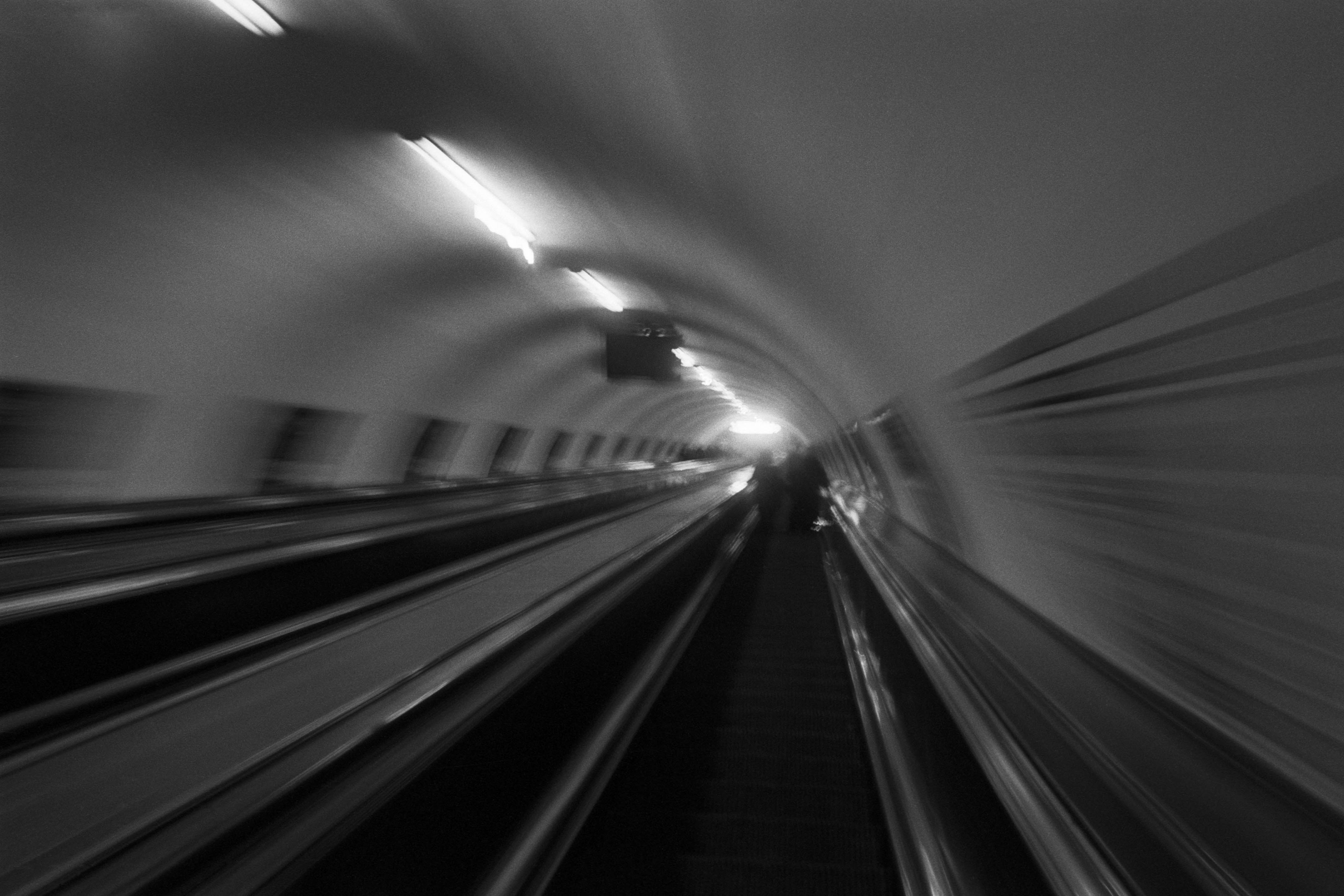
The Wall
2015Winner of the 1st prize & Golden Glass Award at the 11th Photographic Open Championship Olsztyn, and 1st place with the Special Prize of FORMAT magazine at the 3rd Biennial of Art in Piotrków Trybunalski.
View Series →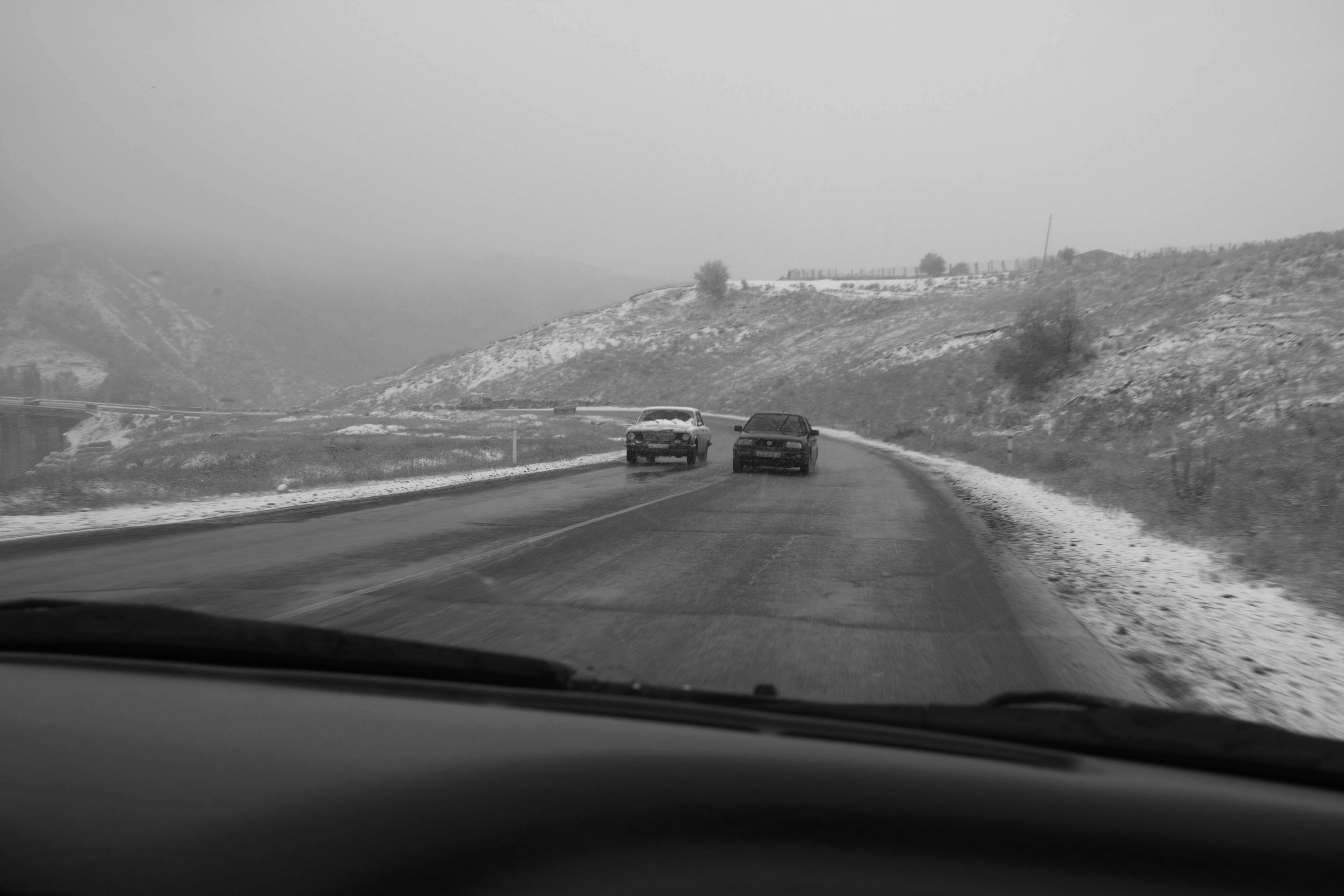
An Engagement Ring
2011A narrative series set in Wrocław in August 2011. Awarded 2nd prize & Silver Glass at the 10th Photographic Open Championship Olsztyn in 2014.
View Series →
Heat Wave
2014A documentary series recording spontaneous events across August and September 2014, capturing the raw energy of a city under the grip of summer.
View Series →